Anchor Download Manager: The ONLY real IDM alternative!
There are thousand of download managers out there, none of them buys you the guarantee of a completed download, see what it takes to build an Unbreakable Download Manager.
If you have ever downloaded a 20 GB archive on a metered, flaky internet connection, you know this specific heartbreak:
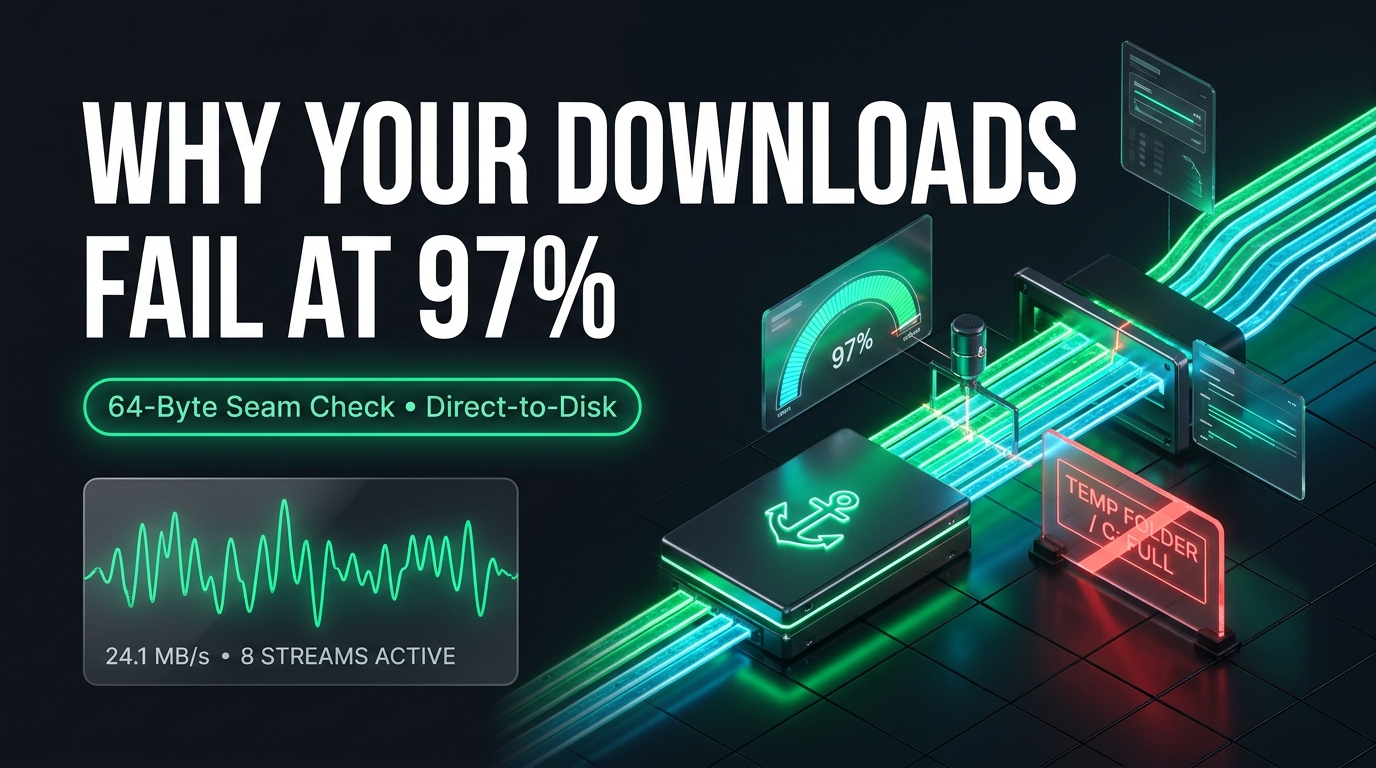
The progress bar creeps to 97%. You have spent four hours babying the connection, burning a chunk of your monthly quota. Then the connection drops for two seconds. You click "Resume."
The browser spits out "Failed — Network Error", resets the counter to 0 MB, and expects you to start all over again.
Here is the brutal truth that most software engineers in fiber-connected tech hubs forget: 97% is not 97%. If a download fails at 97%, it is 0%.
In regions where internet is strictly metered—like Egypt, where households budget around a fixed ~300 GB monthly quota—a failed download isn't a minor annoyance. It is a direct financial loss and a wasted quota slice that you cannot get back.
When I started building Anchor Download Manager (ADM), the objective was not to chase vanity download speeds or build an unreadable matrix of buttons. The objective was simple: a download you start must finish, no matter how hostile the network or the server is.
Here is a deep dive into the real mechanics of download managers, the edge case from hell that ruins multi-connection downloads, and how we solved it.
The Anatomy of Speed: Connection Ramping
Why do browsers crawl at 2 MB/s on a link that should deliver 20 MB/s?
Web browsers typically fetch files over a single TCP stream. If the remote server throttles per-connection bandwidth, or if packet loss triggers TCP’s congestion avoidance window to collapse, your single stream slows down to a crawl.
Accelerated download managers solve this using HTTP Range headers, splitting a file into segments and downloading them simultaneously.
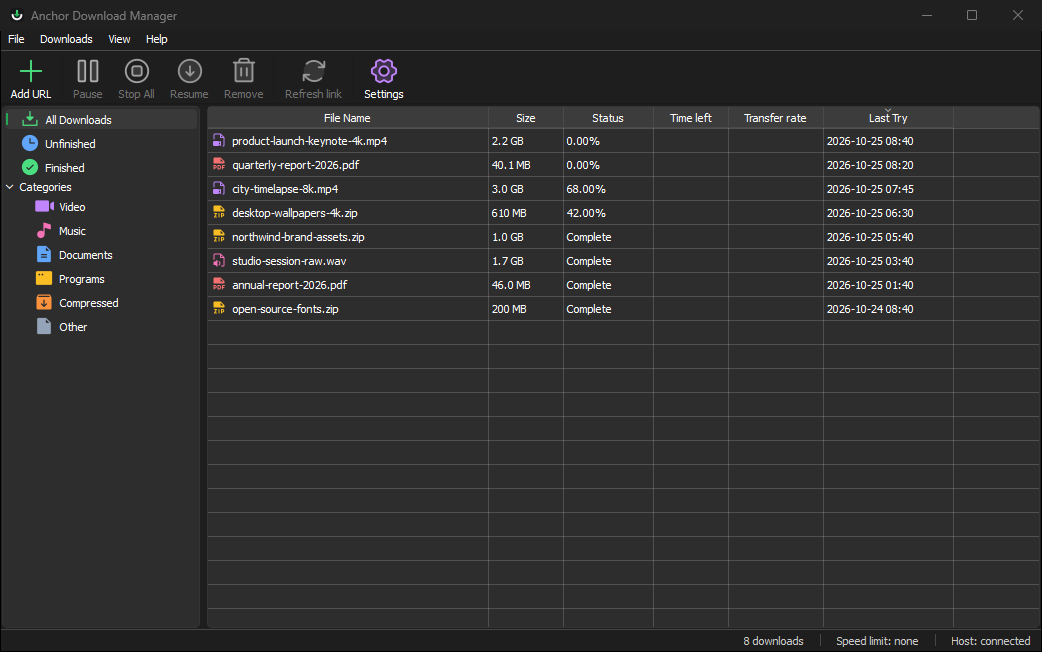
In ADM, we don't just blast a server with 16 connections right away (which often gets your IP temporarily rate-limited). We use connection ramping:
- We establish Connection 1 and probe the server (does it support
Accept-Ranges: bytes? What is theContent-Length?). - Once the server confirms range support, ADM dynamically ramps connections: 1 → 2 → 4 → 8.
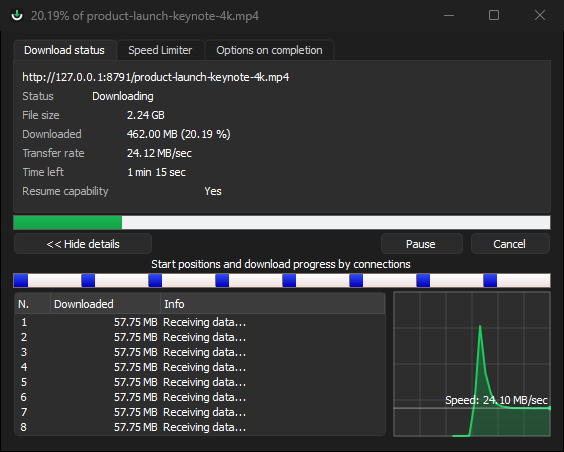
- As high-speed connections complete their allocated segments, remaining segments are dynamically split so idle connections take over unread portions of the file.
The Edge Case From Hell: Mid-Flight File Mutation
Imagine this real-world scenario:
You are downloading an 8 GB game patch or an OS image from a busy server or CDN. The download takes 30 minutes.
While your download is at 45%, the server admin deploys a hotfix or updates the file at the exact same URL. Or, your traffic routes to a different CDN edge node that is running one revision ahead.
Now look at what happens inside a naive multi-connection manager:
Connection 1 finishes its first chunk. It wants to maximize throughput, so it splits the next remaining chunk and spawns a new HTTP request for bytes 2,147,483,648 onwards.
If the manager naively issues a fresh Range request without verification, Connection 2 begins downloading bytes from the new file (Revision B), while your disk already contains the first half from the old file (Revision A).
At 100%, the download manager happily announces "Complete!" But the archive is corrupt. The checksum fails. You just burned 8 GB of data to produce digital garbage.
How ADM Prevents This: Overlapping Seam Verification
To prevent this silent corruption without penalizing download speeds, ADM implements Overlapping Seam Verification:
Here is how it works under the hood:
- The Overlap Sample: When a connection takes over a seam, ADM doesn't blindly trust the new response. It samples a small buffer of bytes (up to 64 bytes) overlapping the known boundary.
- Non-blocking verification: This verification happens in memory while the parent connection is held active.
- The Single-Stream Collapse: If the bytes at the seam do not match, ADM knows the file underneath has mutated. Instead of destroying the download or throwing up an error dialog:
- It immediately stops creating new connections.
- It allows active connections to safely finish writing the chunks they already pulled.
- Crucially, Connection 1’s original HTTP stream is kept alive. Because Connection 1's socket was opened against the original file revision, ADM routes the remainder of the download through that single surviving stream.
The result? You don't restart from zero. You don't burn extra bandwidth. And you don't end up with a Franken-file stitched together from two conflicting releases. You receive the exact, untorn file you started downloading.
The "Temp Folder" Trap: Direct-to-Destination Writes
If you have used legacy download managers on Windows, you have almost certainly encountered this absurd sequence:
- You set your download folder to an external hard drive (
D:\Downloads). - You download a 40 GB video file.
- The download reaches 99%... and your entire computer freezes.
- An error dialog pops up:
Error: Drive C: is out of disk space.
Why did C: run out of space when you were downloading to D:?
Because traditional tools download temporary parts to %TEMP% on your primary drive (C:\Users\<Name>\AppData\Local\Temp\). When the download reaches 100%, they assemble the parts by reading from C: and writing to D:.
This design has three major flaws:
- Catastrophic Failure: If your
C:drive has less free space than the file size, the download dies at 99%. - Double SSD Wear: Every single gigabyte is written to your drive twice.
- The Reassembly Hang: For huge files, reassembling segments can take 5 to 15 minutes after the network transfer has already finished.
ADM's Approach: Sparse Direct Allocation
ADM writes directly to the final destination.
When you start a download on D:\, ADM allocates a .anchor part file directly on D:\. Each connection writes its byte ranges into its exact physical offset in that single file.
When the last connection delivers its final byte, ADM flushes buffers (fsync), verifies the range map, and performs an instant atomic rename from .anchor to the final filename.
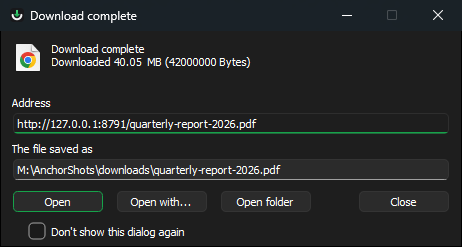
There is no temp folder. There is no second write pass. The moment network traffic hits 100%, your file is ready to open immediately.
Surviving the Chaos Gauntlet: 10 Hostile Server Scenarios
Writing a download manager that works on a high-speed CDN with clean HTTP/1.1 compliance is easy. Building one that survives the real internet requires testing against broken, misconfigured, and hostile servers.
During development, we built a dedicated testing harness (crates/anchor-testkit) running a chaos HTTP server designed to torture the engine with every pathology observed in the wild:
- Single-connection hard limits: Servers that drop the second request with
403 Forbiddenor TCP RST if you attempt multi-streaming. ADM falls back to a clean single stream without dropping bytes. - Lying
Content-Range: Servers that claim 206 Partial Content but send data from byte 0 anyway. - Mid-stream stall & freeze: Connections that keep TCP sockets alive but stop transmitting bytes indefinitely.
- Sudden truncation: Servers that close connections prematurely without sending a
FINflag or signaling an error. - Moving targets (Redirect chains): Mid-download authentication tokens expiring and redirecting to login walls.
- Corrupt range boundaries: Servers that return off-by-one byte ranges.
- Burst-throttled sockets: Servers that send 10 MB in a flash and then sleep for 10 seconds.
- Unannounced non-resumable endpoints: Handling dynamic downloads that silently drop resume support mid-way.
- Stale CDN caches: Edge servers delivering conflicting file sizes across parallel connections.
- File mutation at the seam: The exact scenario we detailed above.
Every single scenario was turned into an automated regression test in Rust. If an edge case can happen on a flaky connection in Cairo or a spotty train Wi-Fi in Europe, the engine must handle it autonomously without requiring the user to start over.
Reliability First, Everything Else Second
Anchor Download Manager is written in Rust with a native Qt 6 interface. It uses minimal system resources, avoids web-view bloat, and integrates directly with Chromium-based browsers (Chrome, Brave, Edge) via native messaging.
Downloads shouldn't be a gamble. You shouldn't have to monitor a progress bar wondering if your connection dropping for three seconds will erase two hours of waiting.
If you care about downloads that finish every single time:
To try the latest alpha release for Windows 10/11 x64, fill out this 6 MCQs form, you will be redirected to the download instantly: https://forms.gle/dULjuy8tVKZiSkLK9