Tasky: Simple, Effective Task Management with Wasp
An overview of Tasky, a full-stack task management application built with Wasp, featuring user authentication, CRUD operations, drag-and-drop, dark mode, and upcoming AI features.
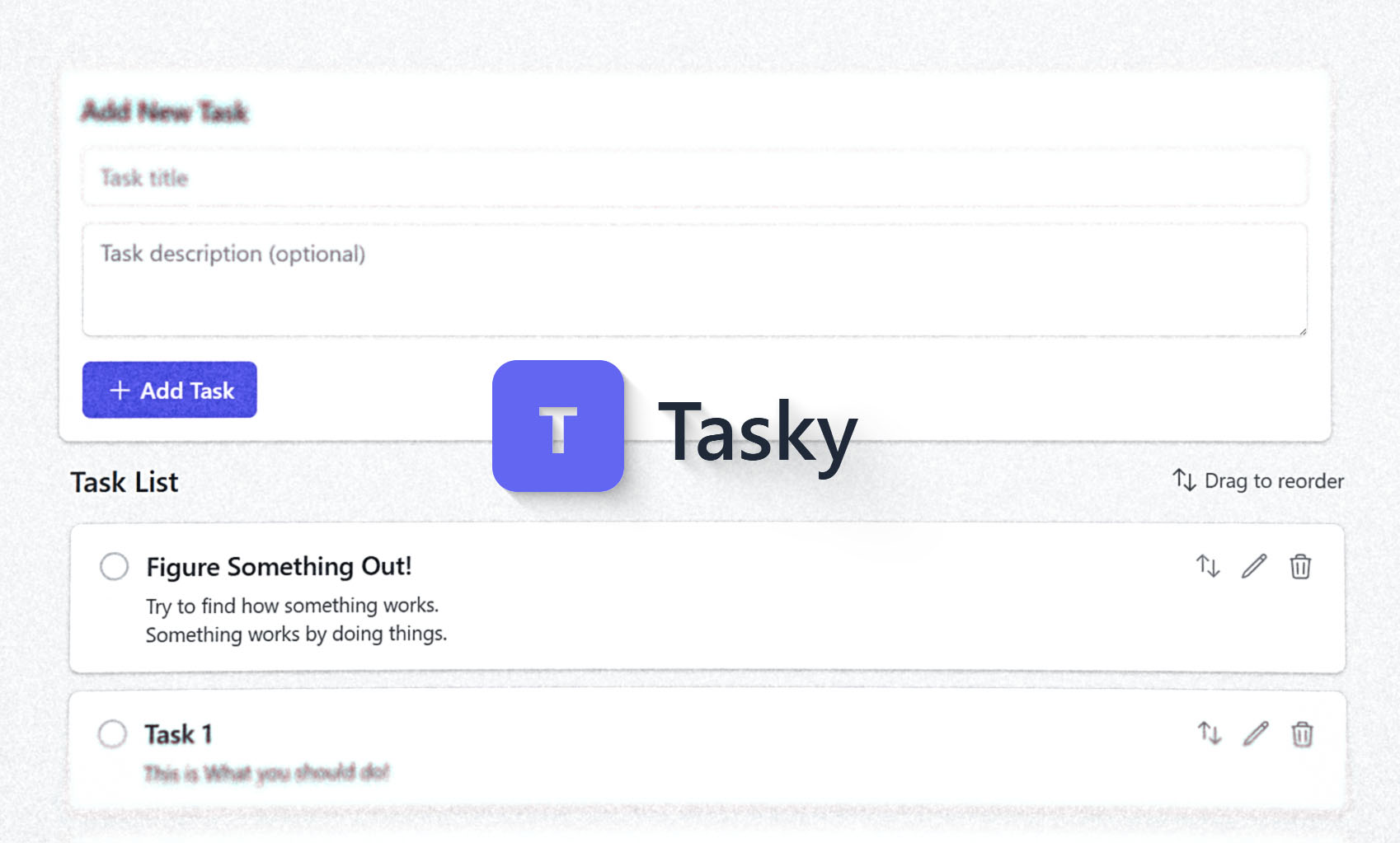
Introducing Tasky: Simple and Effective Task Management
In today's fast-paced world, staying organized is key. Meet Tasky, a straightforward yet powerful task management application designed to help you keep track of your to-dos efficiently. Built using the modern Wasp full-stack framework, Tasky combines essential features with a smooth, user-friendly interface.
Check it out: tasky.creative-geek.tech
Core Features: What Tasky Offers
Tasky is packed with features designed to streamline your workflow:
- Secure User Access: Easily sign up or log in. Tasky remembers you, automatically redirecting logged-in users to their tasks.
- Full Task Control: Create new tasks, view existing ones, update details, or delete tasks you no longer need, all accompanied by smooth animations.
- Clear Task Status: Mark tasks as complete or incomplete with a satisfying animated checkmark and clear strikethrough text for finished items.
- Intuitive Reordering: Need to prioritize? Simply drag and drop tasks to reorder them exactly how you want, with fluid animations making it feel natural.
- Personalized Themes: Switch effortlessly between light and dark modes. Tasky remembers your preference in your browser for a consistent experience.
- Works Everywhere: Thanks to Tailwind CSS, Tasky looks and works great whether you're on your desktop, tablet, or phone.
- Seamless Experience: Enjoy optimistic UI updates – most actions reflect instantly, making the app feel fast and responsive.
- Engaging Interactions: Subtle animations enhance the experience when creating, completing, deleting, or reordering tasks.
- Unobtrusive Notifications: Stay informed about syncing status with flyout notifications that appear without disrupting your view or shifting the page layout.
- Built-in Validation: Keep your tasks concise with length limits enforced for titles and descriptions.
Exciting Enhancements on the Horizon
Tasky is continuously evolving. Here's a sneak peek at what's coming soon:
- AI-Powered Task Creation: Imagine simply copying a message from a colleague, and Tasky automatically parses it to create a perfectly formatted task – complete with title, description, and relevant details. This upcoming feature aims to save significant time and ensure no important action items get lost in communication threads.
- Enhanced SEO Optimization: We're working on improving metadata and static asset serving to boost Tasky's visibility on search engines and enhance overall performance.
Under the Hood: The Technology Stack
Tasky leverages a modern and efficient tech stack:
- Framework: Wasp provides the full-stack foundation, integrating React for the frontend and Node.js for the backend.
- Database: PostgreSQL, managed via the Prisma ORM, ensures reliable data storage.
- Styling: Tailwind CSS enables rapid development of a responsive and customizable user interface.
- Frontend Tooling: Vite powers the fast and efficient frontend build process.
- UI Components: Headless UI and Heroicons contribute to a clean and accessible component library.
- Drag & Drop: The
dnd-kitlibrary facilitates the smooth drag-and-drop functionality.
Getting Started: Setup and Installation
Ready to try Tasky yourself? Here’s how to get it running locally:
Prerequisites
- Node.js (LTS version recommended)
- npm or yarn
- Wasp CLI: Install globally with
npm install -g wasp - A running PostgreSQL database instance.
Installation Steps
- Clone the repository:
git clone https://github.com/Creative-Geek/Tasky cd Tasky - Install dependencies:
Wasp conveniently handles both client and server dependencies.
wasp deps - Configure Environment Variables:
Create a file named
.env.serverin the project root and add your database connection string:Remember to replace the placeholders (DATABASE_URL="postgresql://USER:PASSWORD@HOST:PORT/DATABASE"USER,PASSWORD,HOST,PORT,DATABASE) with your actual database credentials. - Run Database Migrations:
Apply the necessary database schema changes:
You might be asked to provide a name for the migration.
wasp db migrate dev
Running the Application Locally
- Start the development server:
This command launches both the backend and frontend development servers.
wasp start - Access Tasky:
Open your web browser and go to
http://localhost:3000(or the port specified by Wasp if it's different).